

From Messy Rooms to Machine Learning, Building an Android App with a Local LLM
TL;DR: Tidy or Whiny is an experimental Android app that uses a local LLM to judge messy rooms and whining. This blog explores the build techniques behind it, from analyzing vocal features on the phone to optimizing model responses, handling imperfect JSON, and running AI locally without relying on a public cloud.
What if an AI could settle the age-old arguments over messy rooms and whining, giving parents a break from playing judge?
Every family with kids knows these two endless arguments. The first: “Clean your room.” — “I did!” Meanwhile, half the Lego bricks are still on the floor. The second: “Stop whining.” — “I’m not whining, I’m just saying.”
In both cases, you’re not just one side of the argument. You’re also the judge. No matter what you decide, you’re still the strict adult seemingly picking on the kid. Since my team and I don’t want to be the evil parents, we came up with a solution: let a machine play the bad guy instead.
That is how our Android app Tidy or Whiny was born. Featuring an AI Inspector, Tidy or Whiny examines a photo of a room, typically a child’s bedroom or playroom, listens to the child’s side of the story, and delivers a verdict.
Now, instead of arguing with Mom or Dad over the state of the room, the child can argue with the AI Inspector.
About the Tidy or Whiny App
We built Tidy or Whiny as a hands-on experiment in AI app development, exploring different build techniques and how to run a local LLM. It’s a technical exploration, not a product intended for commercial release (at least for now – but you never know!).
With Tidy or Whiny, a public cloud was not an option because the app works with photos of a child’s bedroom or playroom and a child’s voice. So we built and tested the AI Inspector on ICS’ private cloud Qwen 27B. Now it runs at home, on a local Gemma 4 12B.
AI Inspector
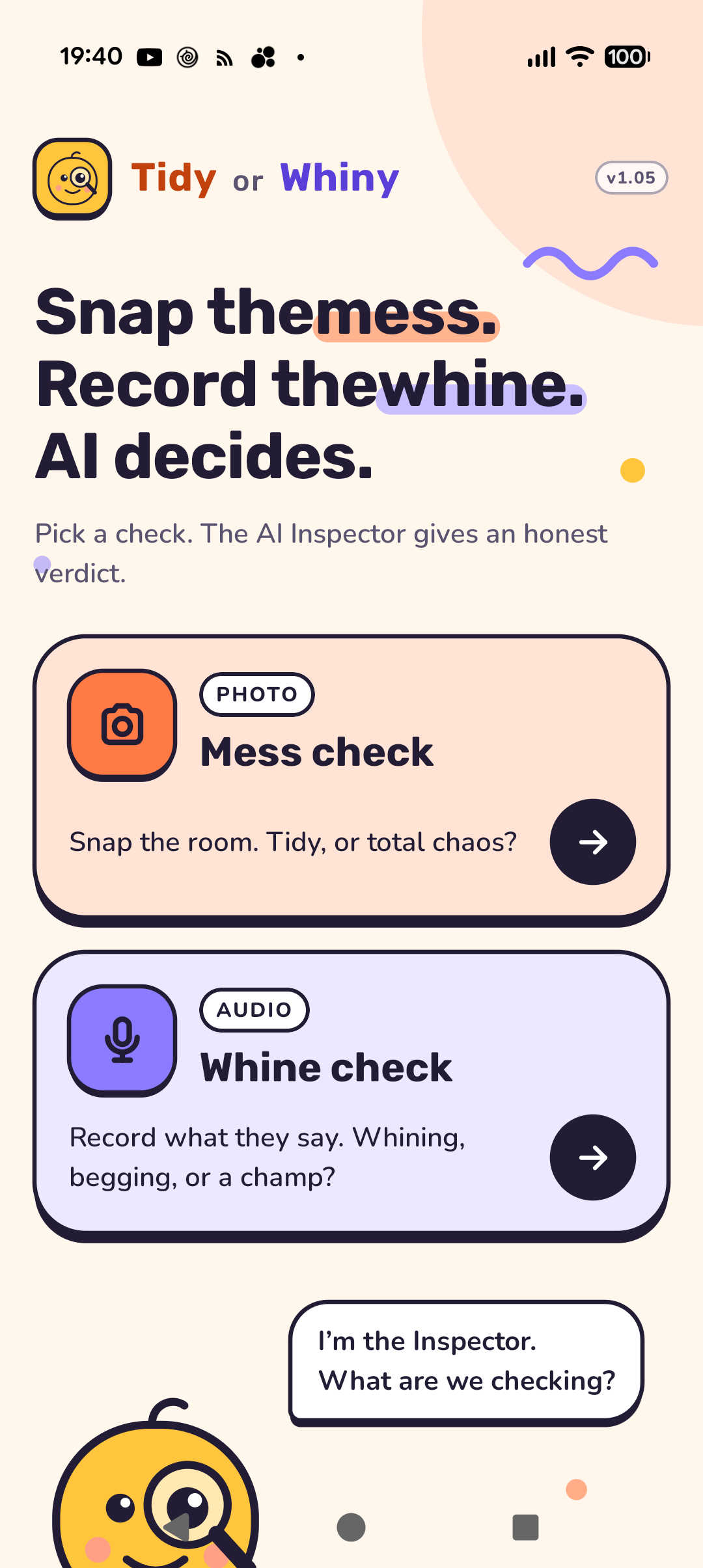
The app has two buttons, mess check and whine check. Here’s what they do:
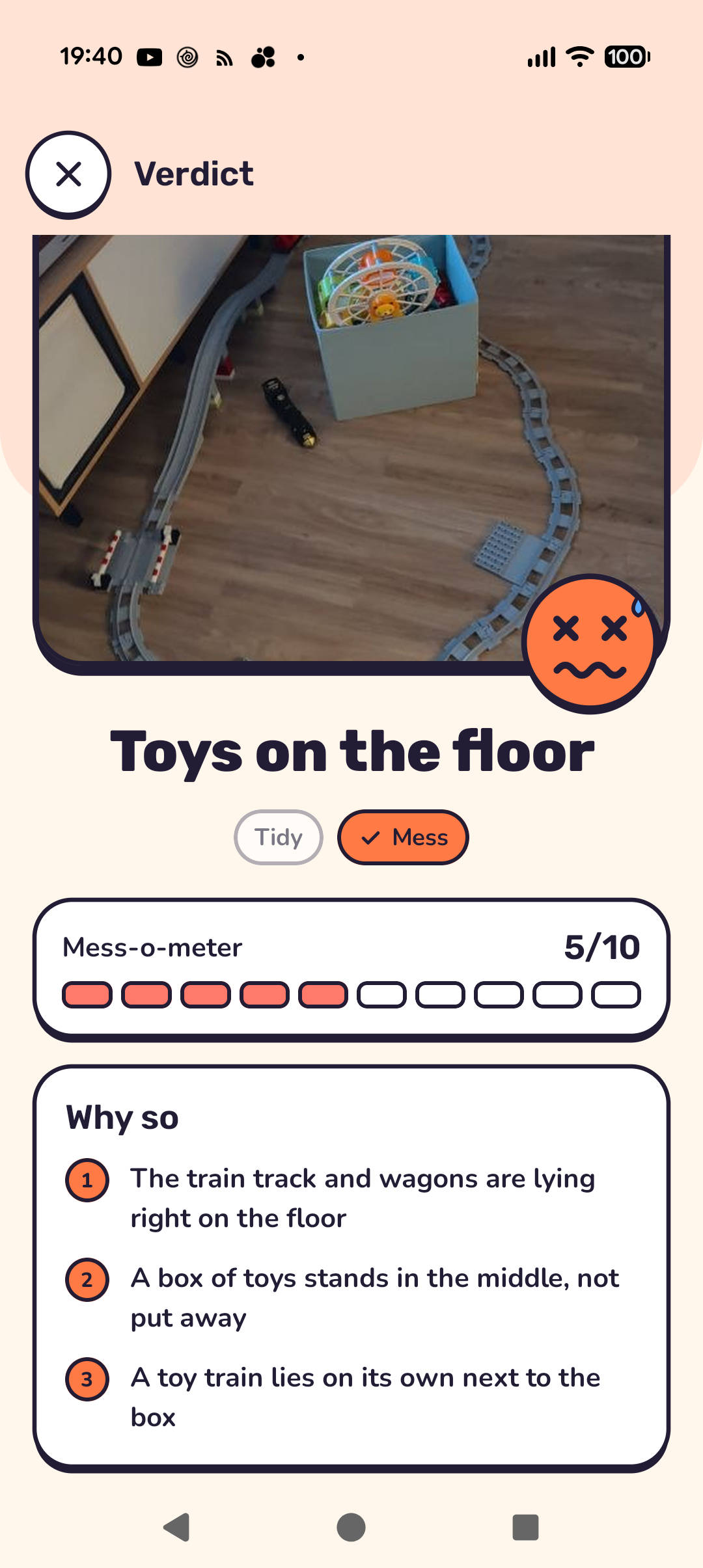
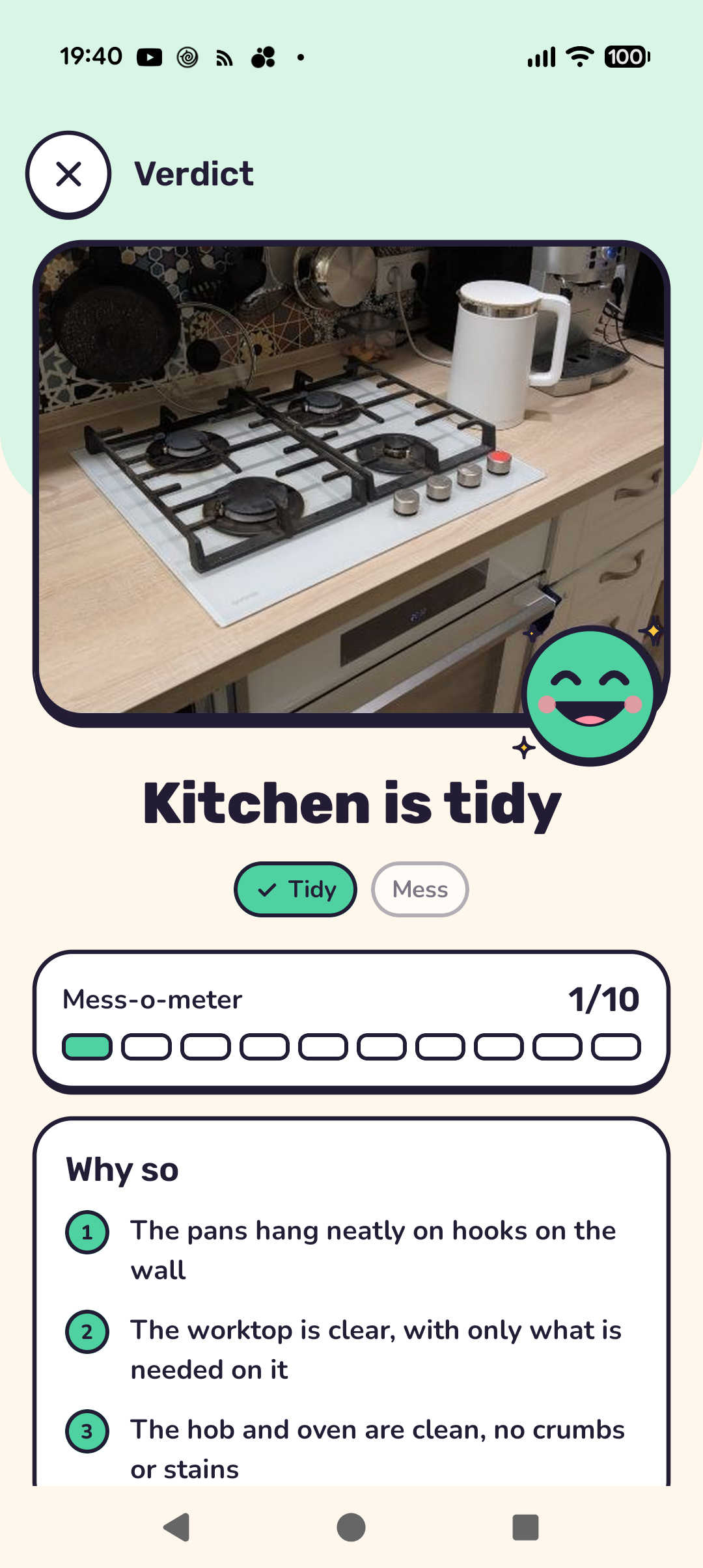
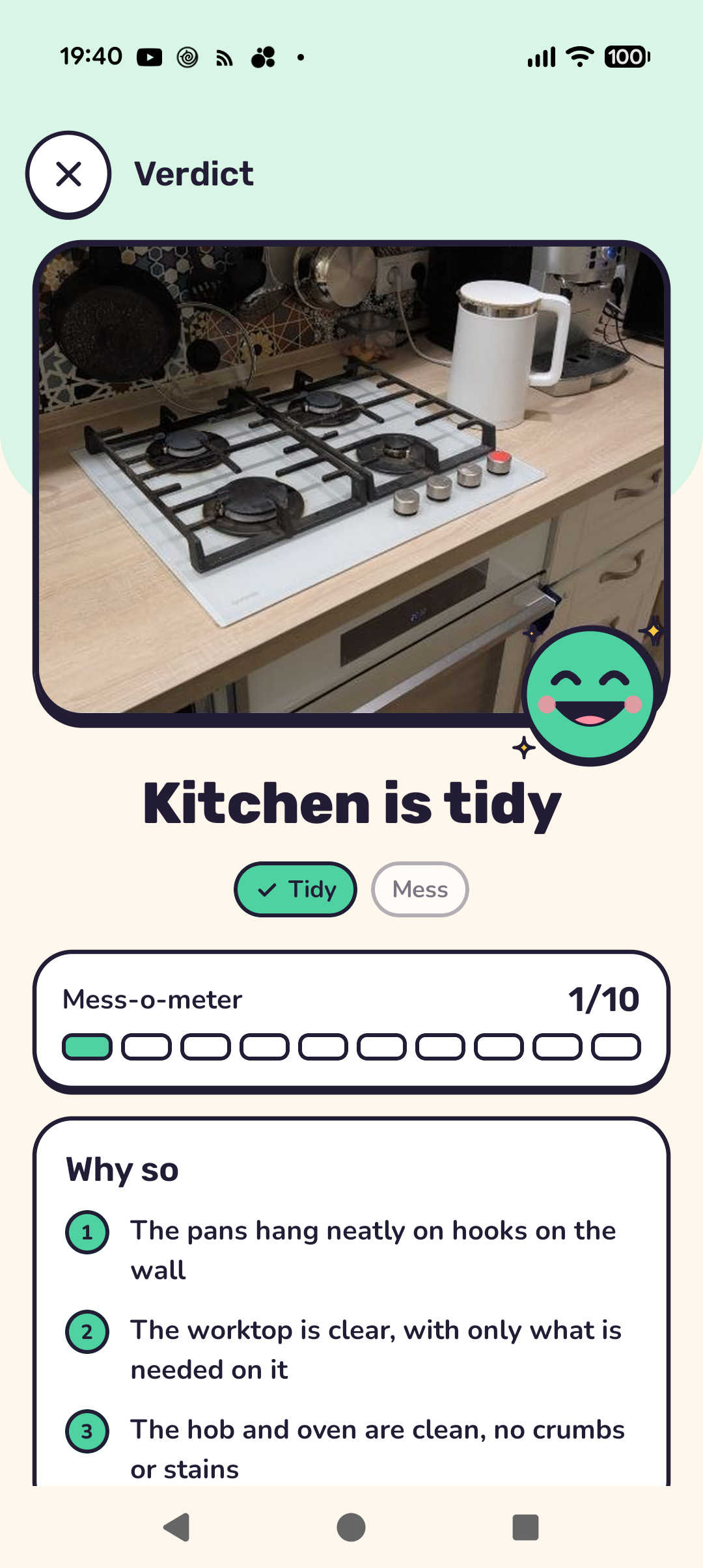
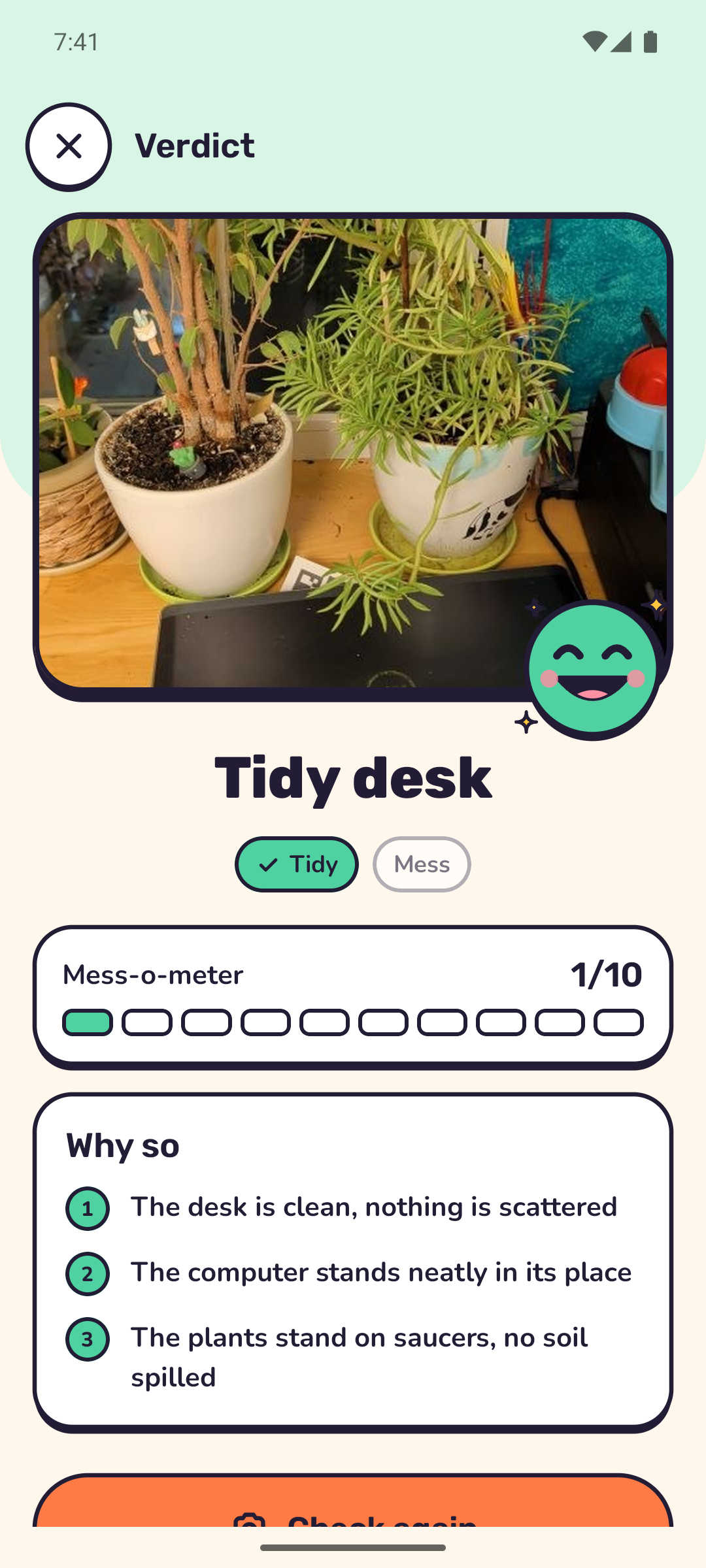
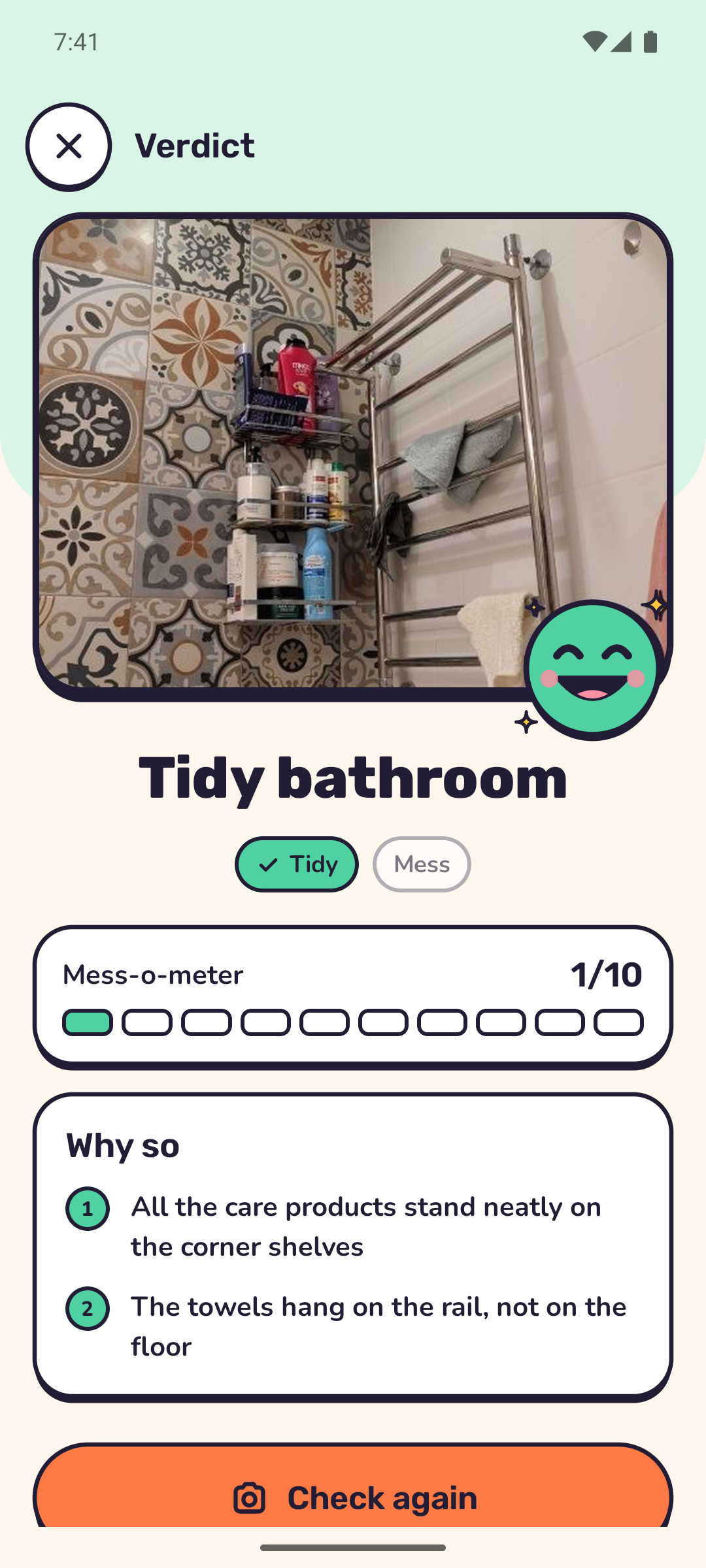
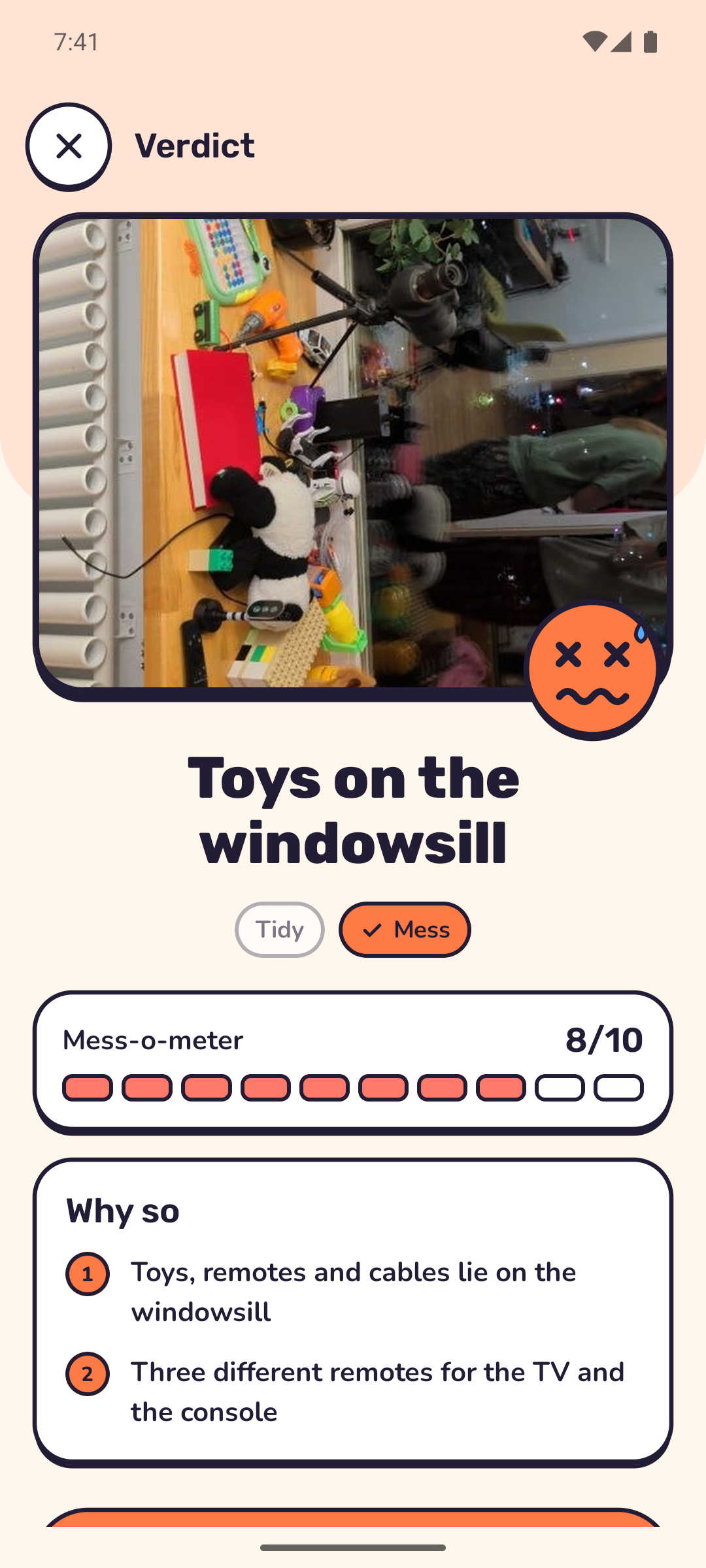
Mess Check: A parent takes a photo of the room. The Inspector answers “Tidy” or “Mess” and gives a score on the Mess-o-meter from 0 to 10. Then it offers 2 - 4 specific observations like “socks on the bed,” and one tip, for instance suggesting what to clean up first. The tip is appropriate for the time of day (indicated by the phone) the app is used
The observations matter more than the score. A child will argue with “Mess, 7/10” – but it’s much harder for them to successfully argue with “Lego under the desk.”
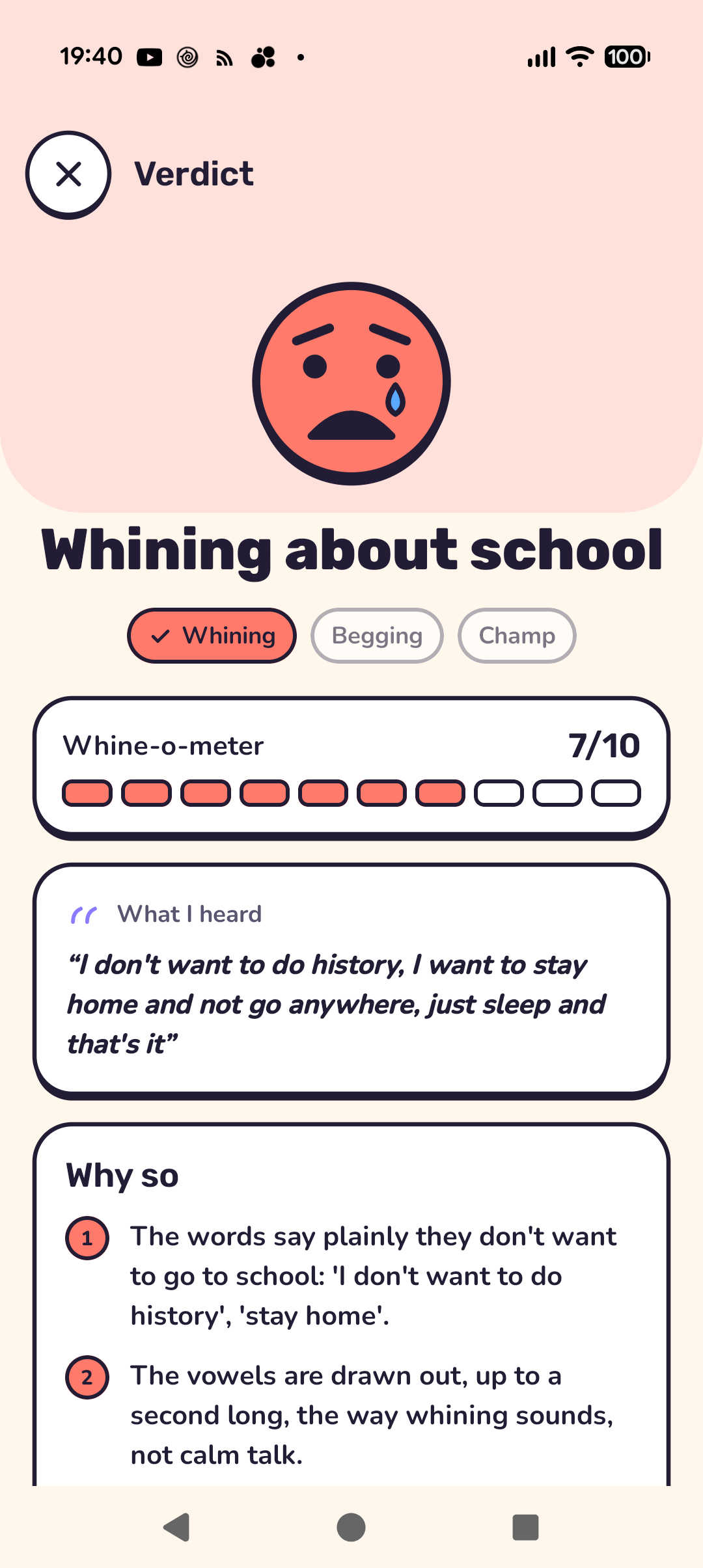
Whine Check: A parent records up to 30 seconds of a child’s speech. The Inspector identifies it as either “Whining,” “Begging” or “Champ” – and determines how strongly it fits into the category. If the Inspector determines the speech to be whining, it also provides the reasoning behind its decision. It even quotes the specific words or describes the specific sounds the child used that indicated whining. For example, a long “mo-o-o-om” is whining, even though the word “mom” itself is not.
Important note: The Inspector is evil only by job title. It is not allowed to joke or be rude. Its verdict is always limited to 2 – 5 words, no exclamation marks, and one kind tip for the child.
Here’s a look at some of the screens:
A Deeper Dive into How the Android App Works
The Tiny or Whiny Android app has two parts: the user’s phone and our server with the model. The phone takes the photo, turns speech into words and measures how the voice sounded. The model gets the photo, or the words with these measurements, and returns a verdict with reasons and a tip.
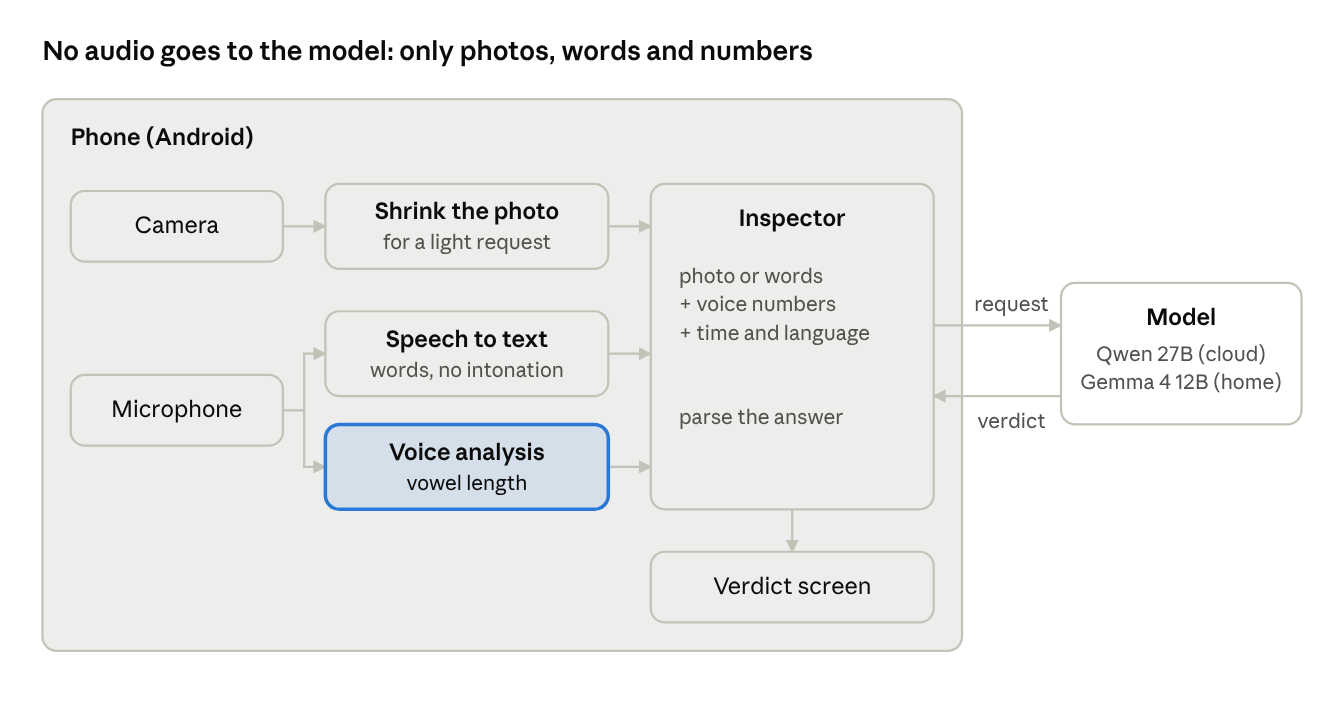
Every verdict is a separate request with no memory of earlier ones. Yesterday’s mess will not affect today’s verdict. Before sending, the photo is resized to a width of 1280 pixels and saved as a JPEG with quality of 85..
7 Development Challenges and How We Solved Them
1. The Model Can’t Hear Whining
Speech recognition turns a long “no-o-o-o” into a simple “no.” From the text alone, whining looks just like calm speech: it’s all in the intonation. Giving the audio to the model did not work either. Qwen does not accept audio, and we did not find a light voice model that could run locally.
The solution? We don’t send audio to the model. The phone analyzes the sound itself: pitch (the YIN algorithm), vowel length, loudness and tempo. The prompt gets the recognized words and a few numbers written as plain sentences.
For example:
Recording length: 6.2 s
Voice in 71% of the time
Longest drawn-out vowel: 1.35 s; 58% of the voiced time is in vowels held over 0.5 s
The model never gets the audio, only the words and the numbers, and it already knows how to reason about those. The recording never reaches our model. Speech recognition is done by the phone’s own Google service, on many phones right on the device.
2. Half of the Measurements Don’t Work
When a child whines, their voice gets higher. We thought this meant we could differentiate whining from calm speech. To check it, we ported the same measurements to Python and ran them on labeled clips from AudioSet and Freesound.
We discovered that pitch doesn’t necessarily indicate whining – so it doesn’t help us. Calm children in the recordings spoke at 320 - 460 Hz. That is as high as any “whining” threshold. We also discovered that tempo doesn’t help. On real recordings the syllable counter takes noise for syllables.
However, we determined that vowel length helps differentiate whining. In calm speech the longest vowel is shorter than 0.6 s. In whining it lasts a second or more. So, we only incorporated vowel length into the prompt.
The phone still measures pitch and tempo, but only for debugging. The thresholds in the prompt are marked as hints (“to weigh, not rules”). In borderline cases the model looks at the specific words. The words are what differentiate, for instance, “ple-e-ease, buy it” (begging) from “that’s not fa-a-air” (whining).
Tip: Check your intuition about features on real data. An extra number in the prompt is not harmless: the model will give it meaning.
3. Thinking Only Gets in the Way
Both models can think out loud before they answer, and it seems that thinking should make the verdict more accurate. In practice, the verdict was the same. But the answer came seconds later and cost more tokens.
In a “look and rate” task there is nothing to think about: the mess is visible right away. So we turned “thinking” off. The child is standing next to you waiting for the verdict, and every extra second becomes one more “but I already cleaned up!”
4. The First Verdict Waits Half a Minute
Ollama loads the model into memory on the first request, which takes about 30 seconds. If the first request is a verdict, the child gets tired of waiting for the Inspector to answer. To fix this, we made sure that when the app opens, it sends the model a “Hello” with max_tokens: 1 and ignores the answer. This way, while the parent points the camera, the model is already loaded and the verdict arrives in seconds.
We limited the wait to one minute: two attempts of 30 seconds each. If the first one fails, the screen shows “The Inspector is taking a while…”, so it is clear the app has not frozen.
5. The JSON is Not Always Clean
We ask the model to answer with one JSON object. It mostly does, but the parser is still forgiving: it takes the text from the first { to the last } and ignores everything around it. It finds the verdict by substring, so both “begging” and “Beg” become “Begging.” It clamps the score to 0–10, and accepts the reasons both as an array and as one string. We treat an LLM answer like user input – we check it and forgive small mistakes.
6. The Model Doesn’t Know the Time
The tip “go outside and run around” is appropriate when delivered in the afternoon, but not so much at 10 p.m. The prompt gets the time from the phone’s clock and then offers only tips relevant to that time. After 6 p.m. it recommends only calm things: a bath, pajamas, a book, a hug. Dancing, running, screen time and sweets are explicitly banned at that time.
The answer language – the app is currently available for English and Russian-speakers, is identified the same way, from the phone locale. Everything the phone knows but the model doesn’t has to be passed to the model explicitly.
7. The Key is Inside the APK
The gateway address, the model name and the key live in a local qwen.json that is not in git. At build time they go into BuildConfig. With the file, you get the family build with AI. Without it, you get the public build without AI. If the file is only half filled, the build fails. This way we can’t build the public version by mistake.
Someone can pull the key out of such an APK, and we accept that: the family build stays in the family. If anyone besides my dev team needs the app, the public build will need a sign-in with OpenRouter, so that everyone connects to their own account.
Putting it All Together
You don’t need frameworks to build an app on your own LLM. All the AI in Tidy or Whiny is two files: an HTTP client of 125 lines, and prompts with answer parsing of 123 lines. Moving from the cloud Qwen to the local Gemma took a new address and model name in qwen.json, the thinking switch and the warm-up. We spent the majority of our development time on voice features.
In today’s AI era, great ideas matter even more than the code. At ICS, AI helps us bring our ideas to life faster, amplifying our engineering expertise rather than replacing it. Tidy or Whiny was just one collaboration between our human development team and AI. For more on what else we’ve been up to, visit us at www.boston.ai.